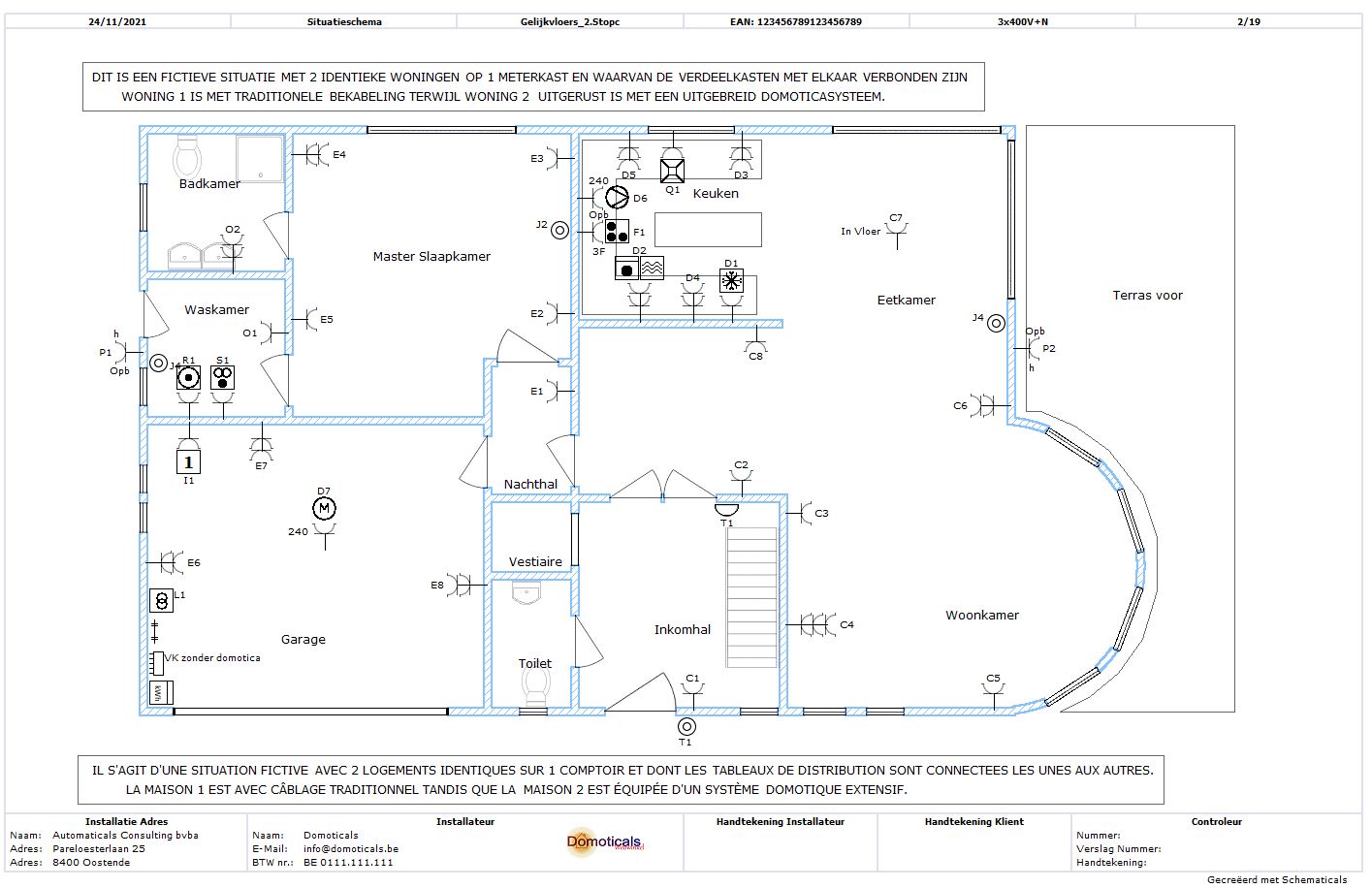
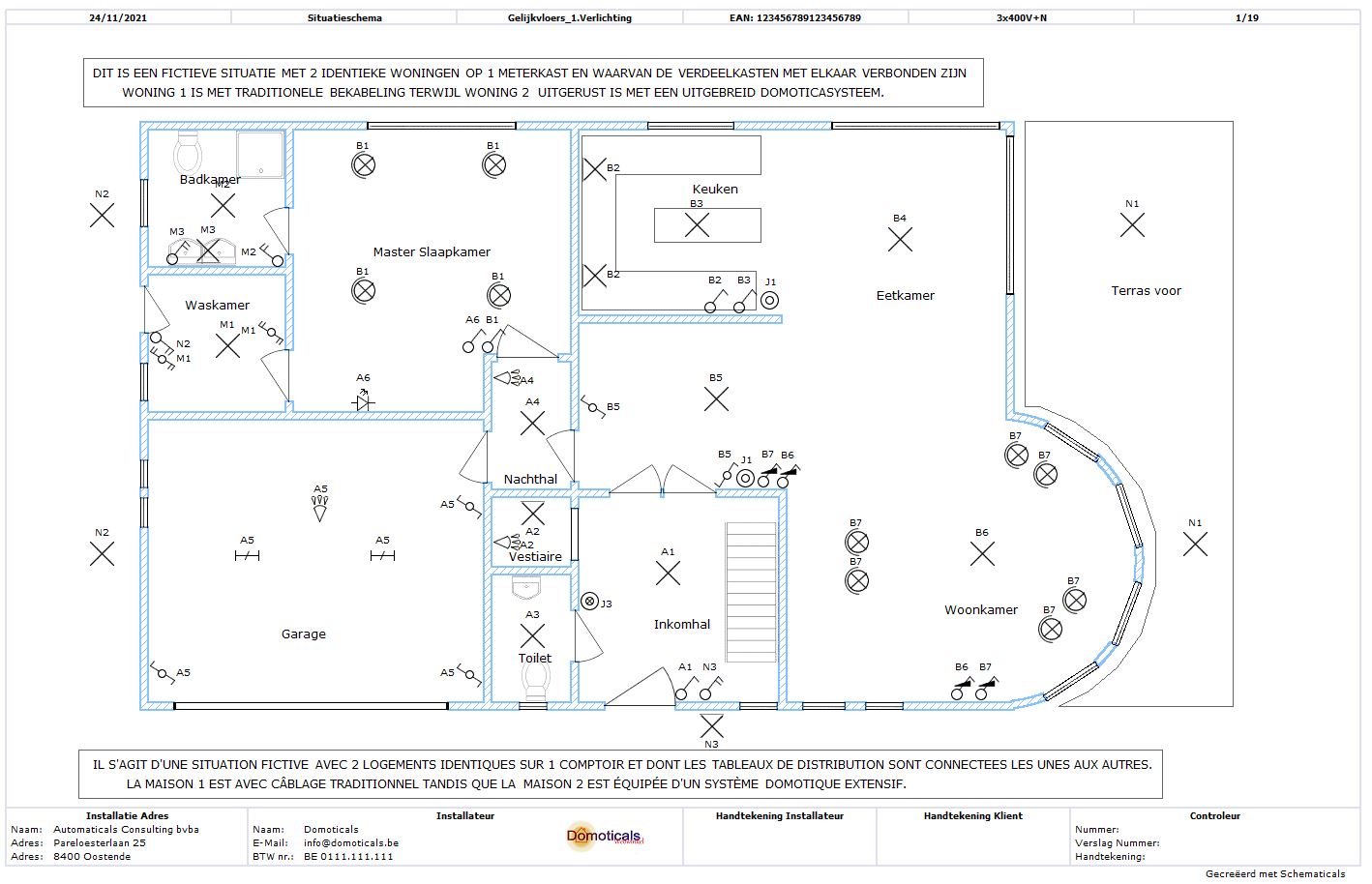
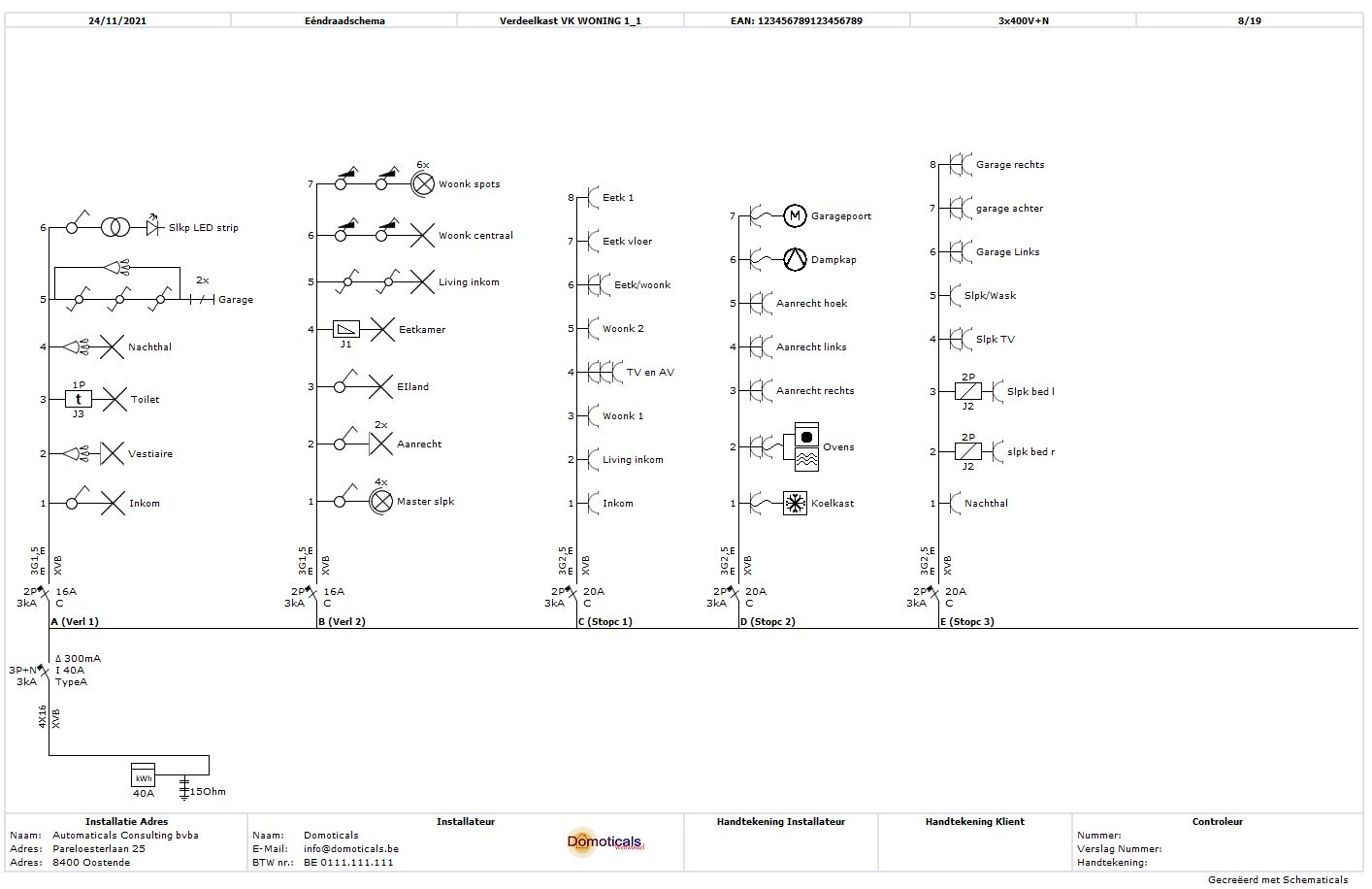
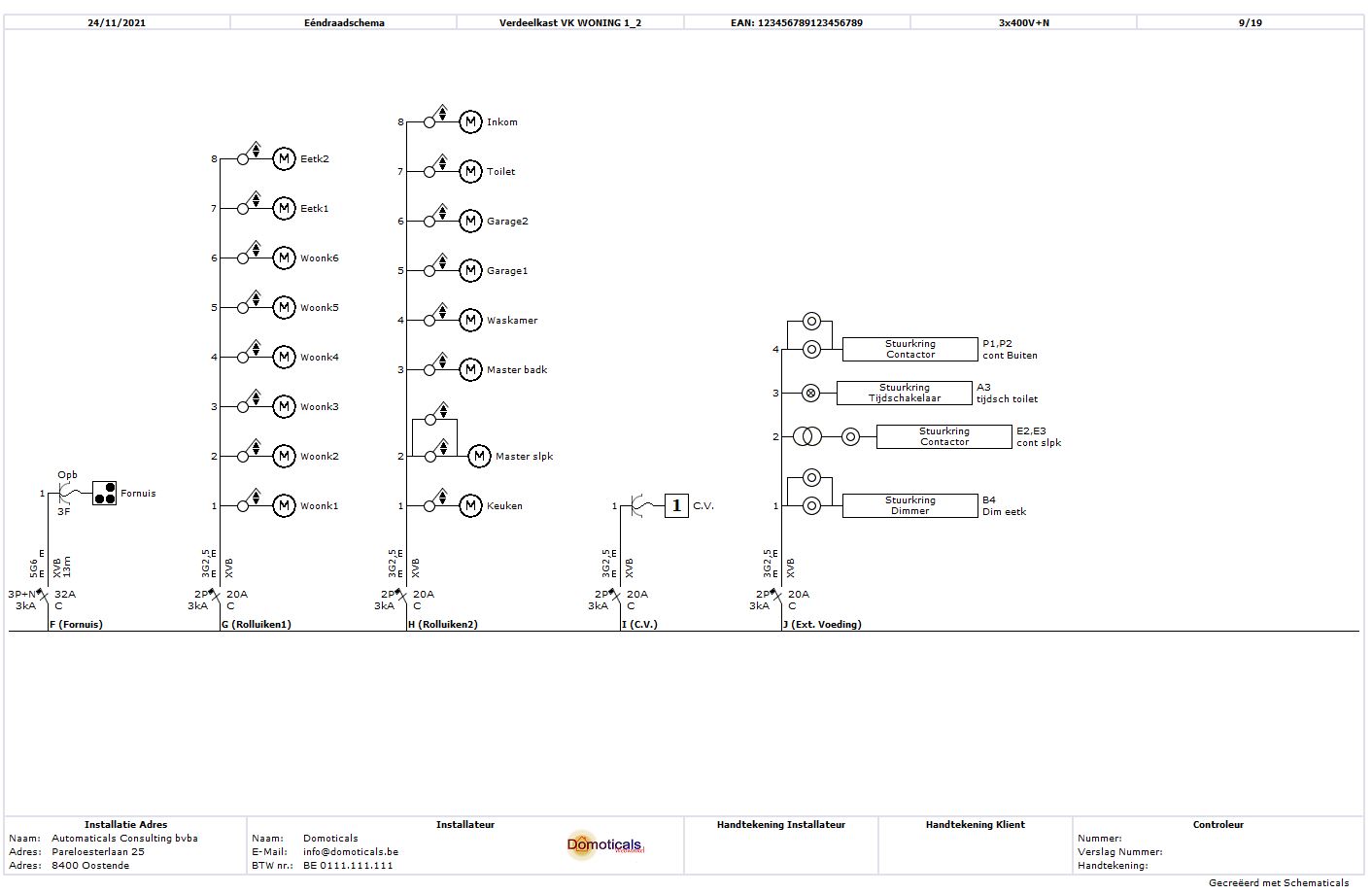
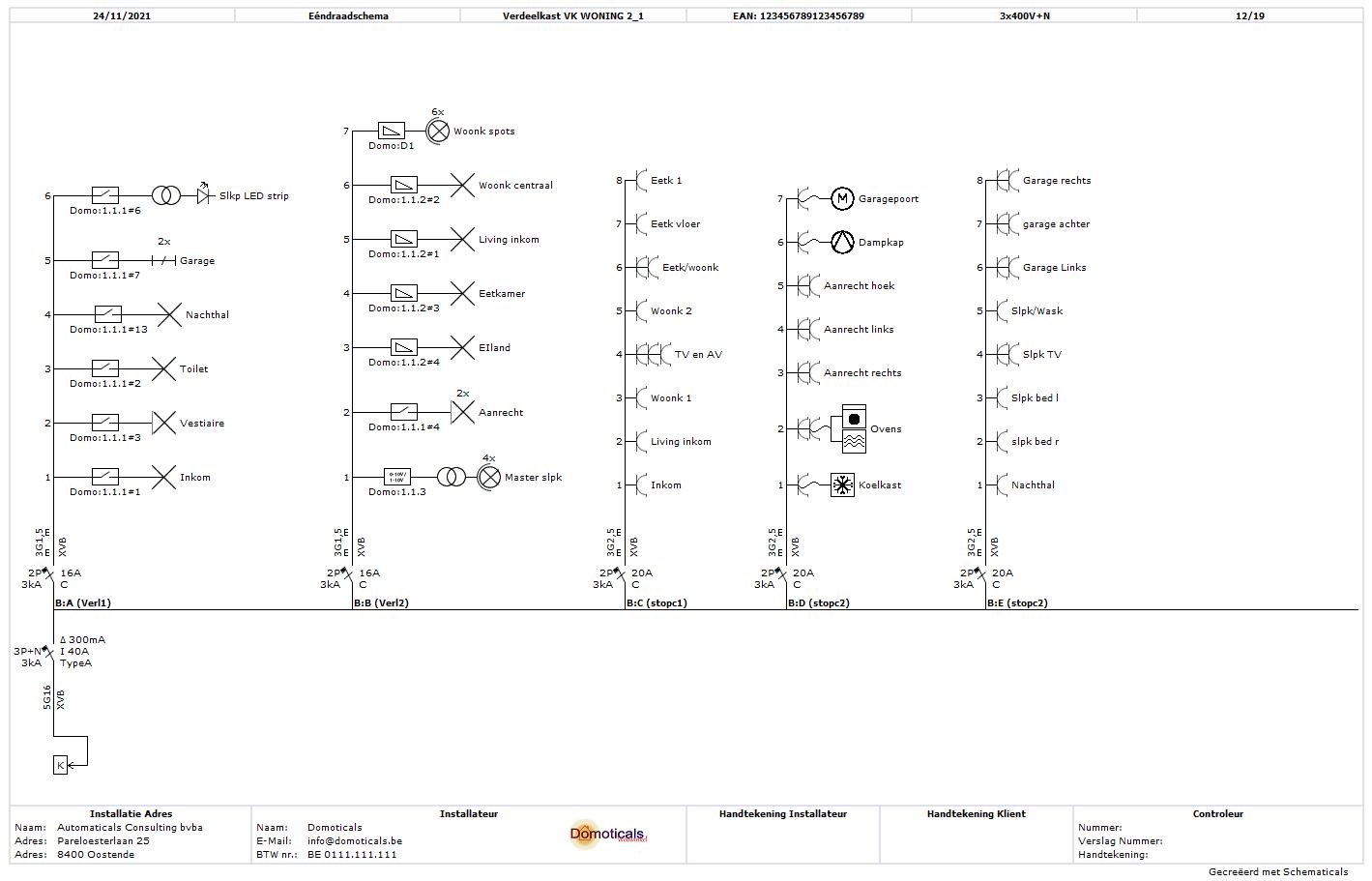
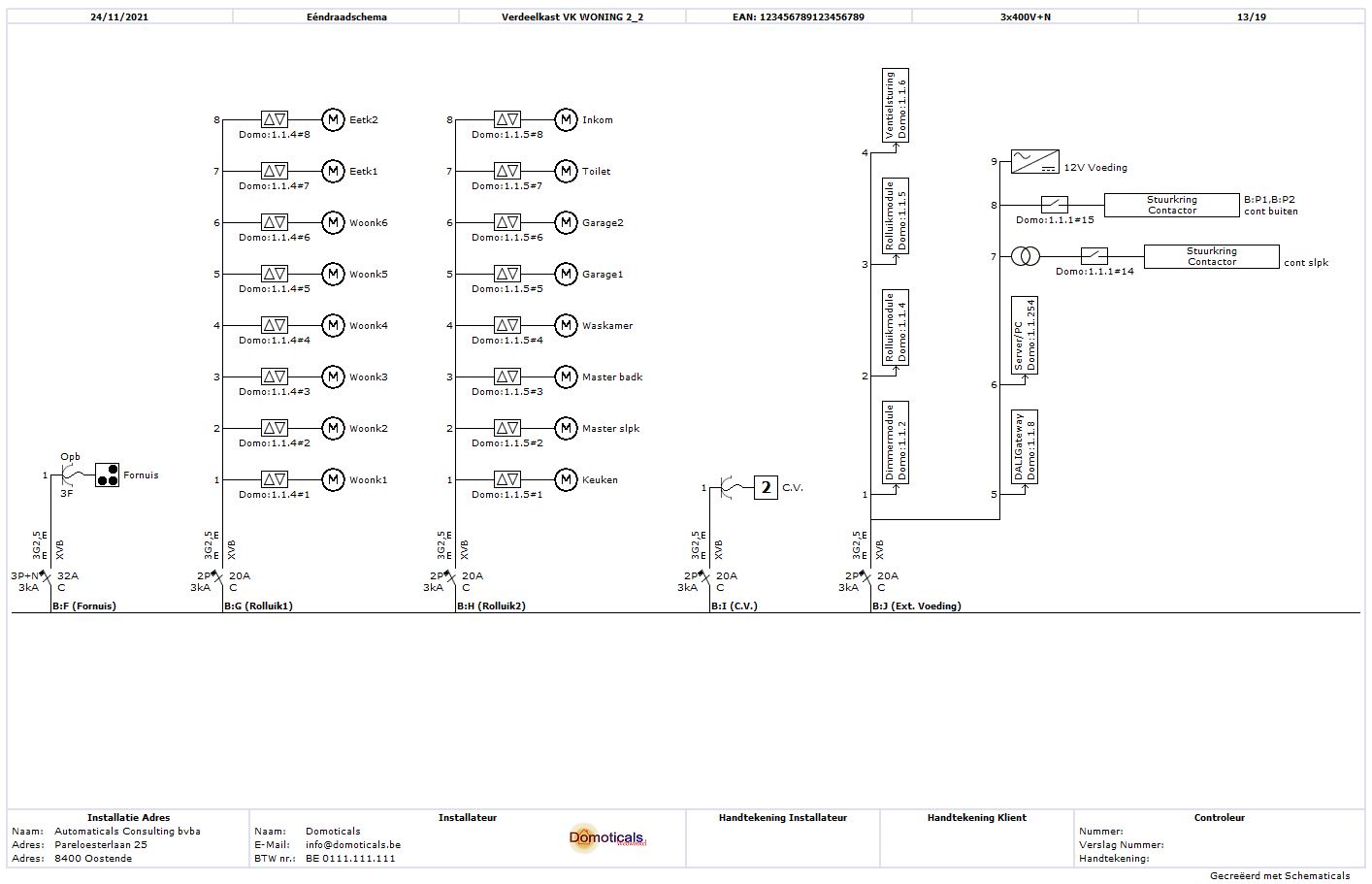
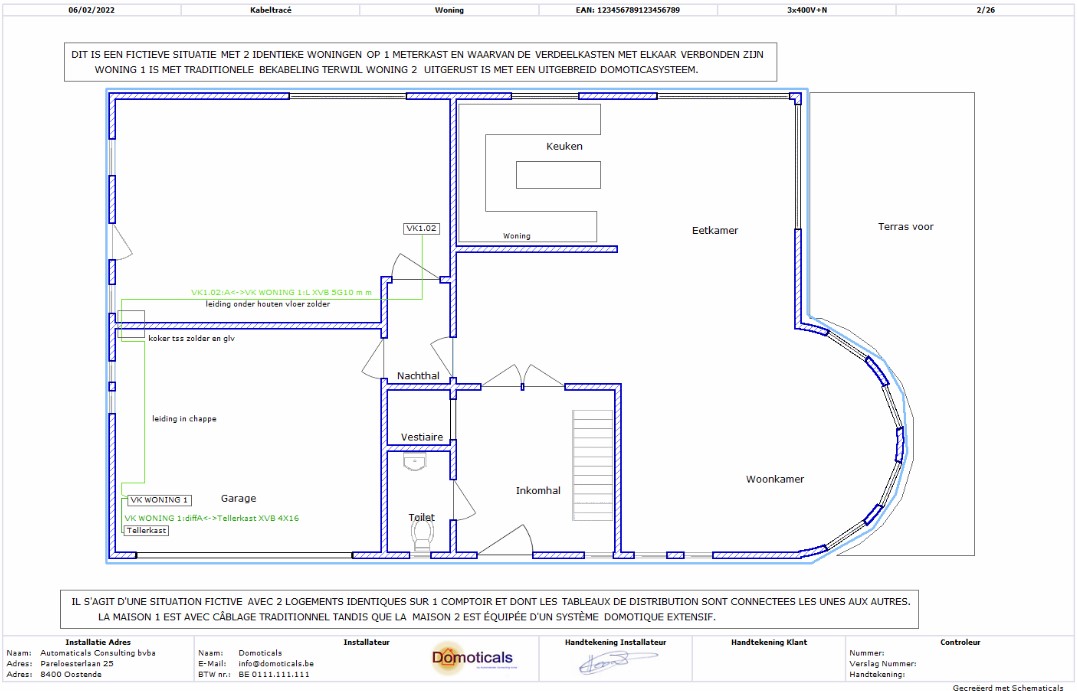
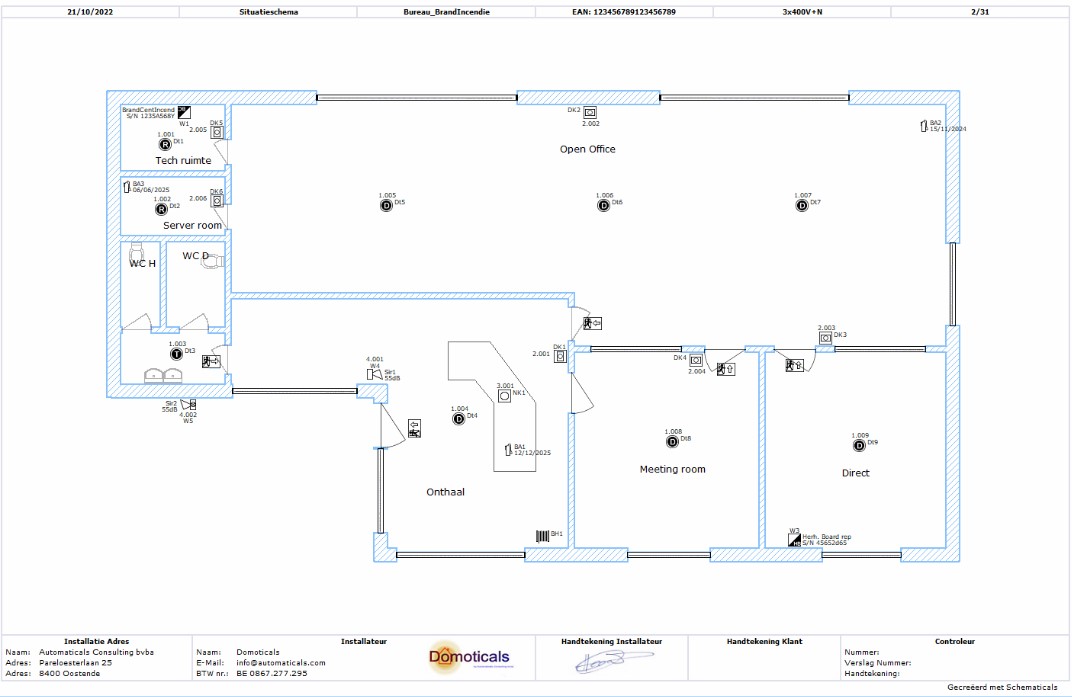
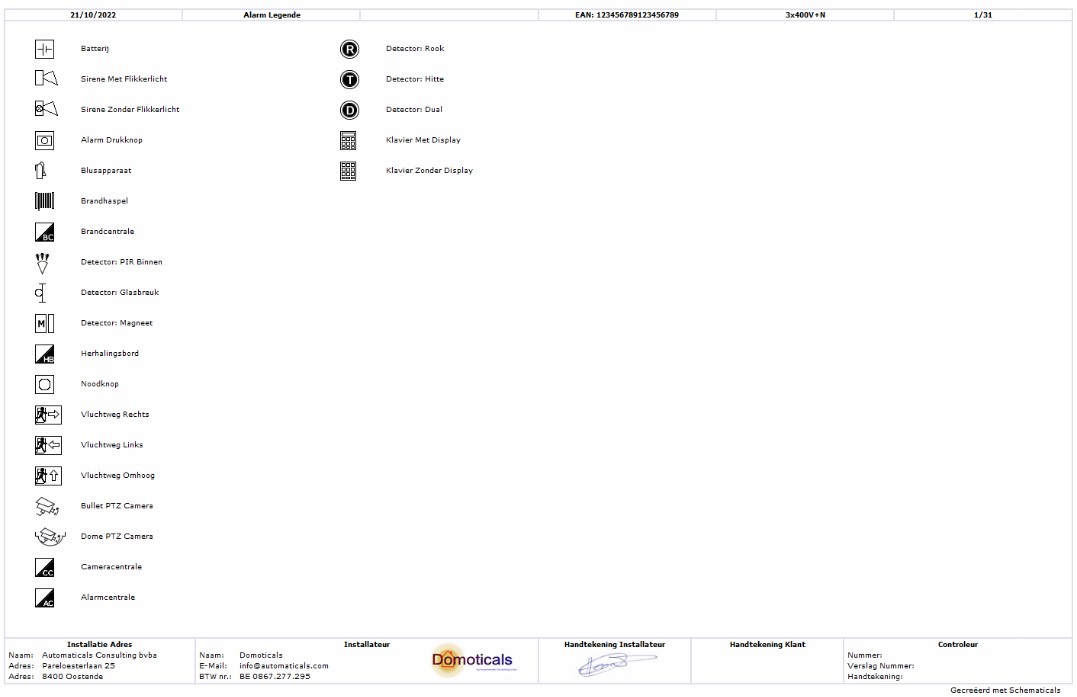
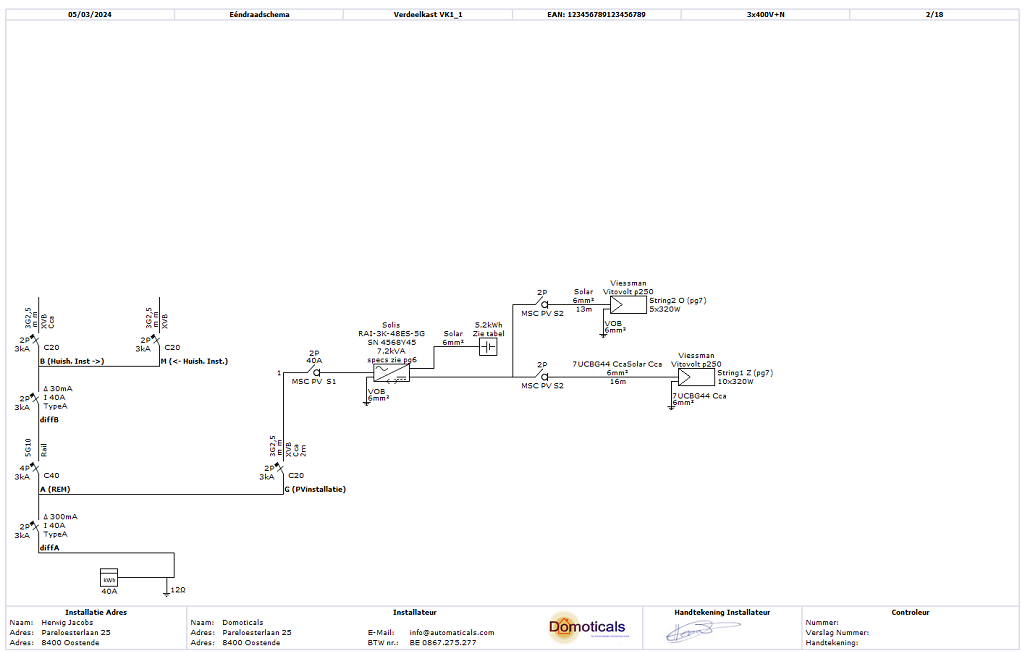
Save time and effort. With Schematicals, you start with your fuse box and situation diagram, from which the one-wire diagram is fully automatically generated. This way, you can save up to 30% time.
One adjustment = everything adjusted. Schematicals keeps track of all connections and connections accurately and knows your electrical installation inside out. If you make an adjustment somewhere in the situation diagram that also affects other connections in the one-ware diagram, these will also be automatically adjusted. No double work and no errors.
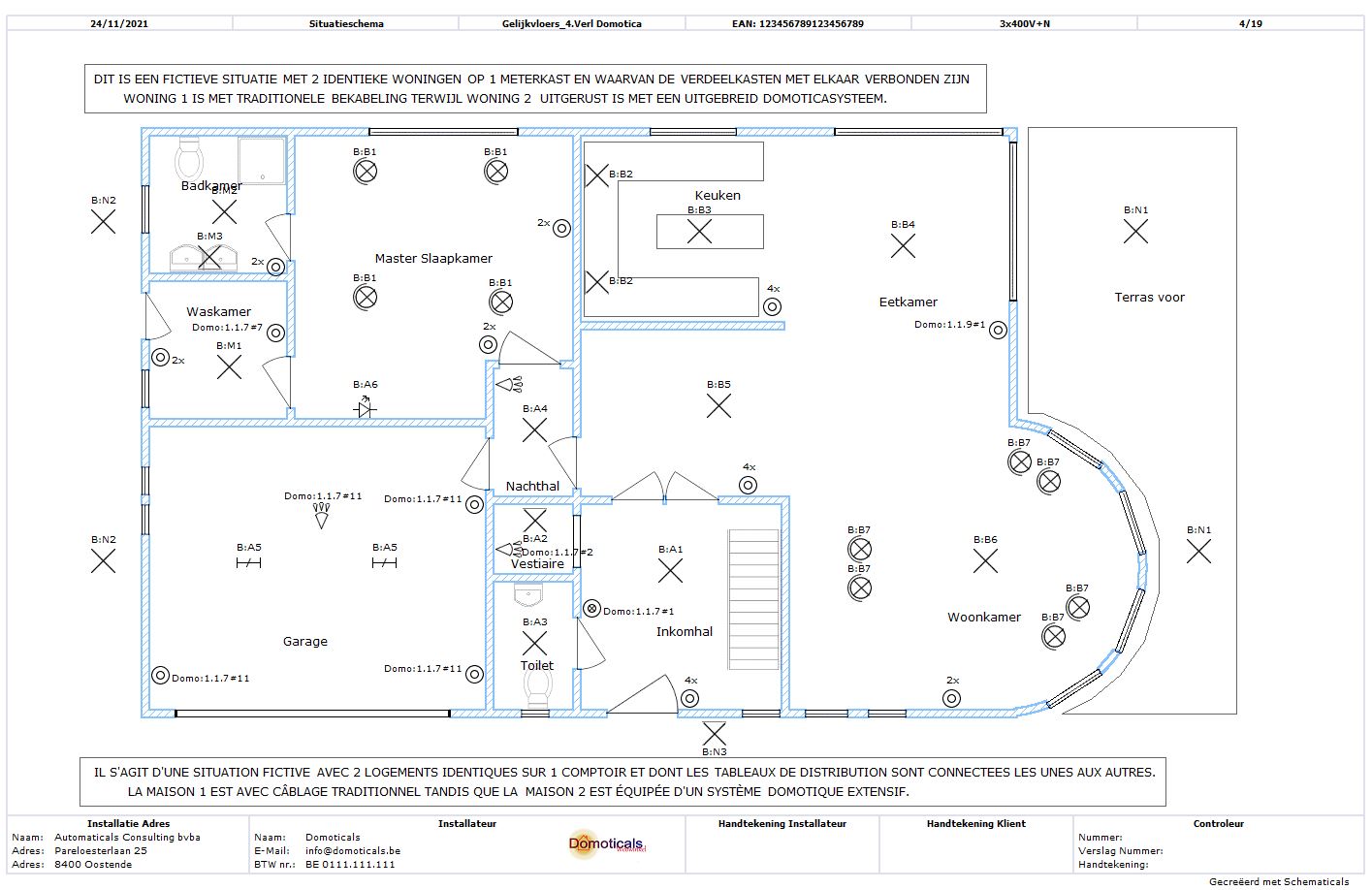
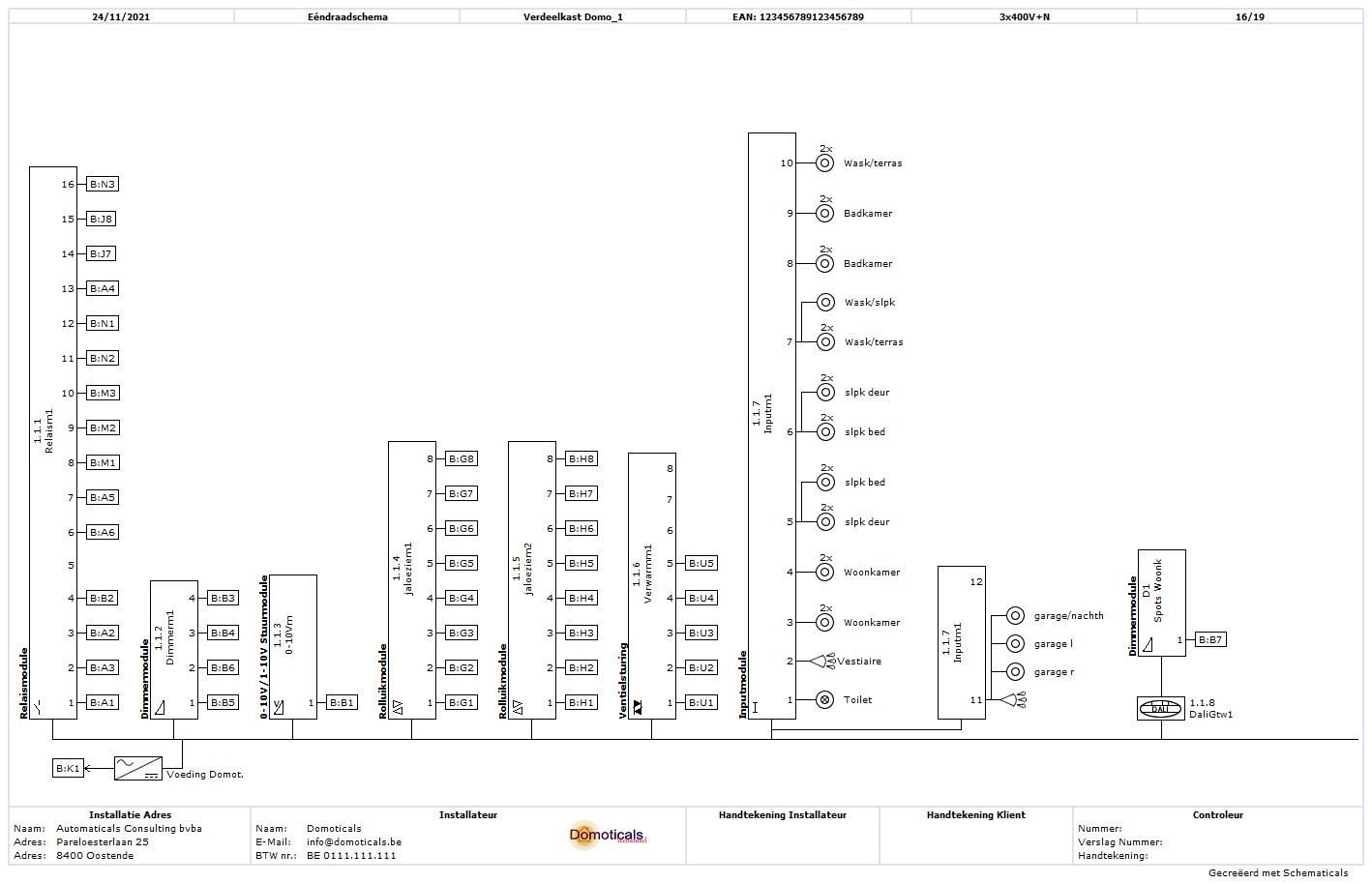
Advanced domotics diagrams. If you have domotics applications in your electrical installation, a one-wire diagram will also be automatically generated for this. This diagram can also serve as a connection guide during installation.
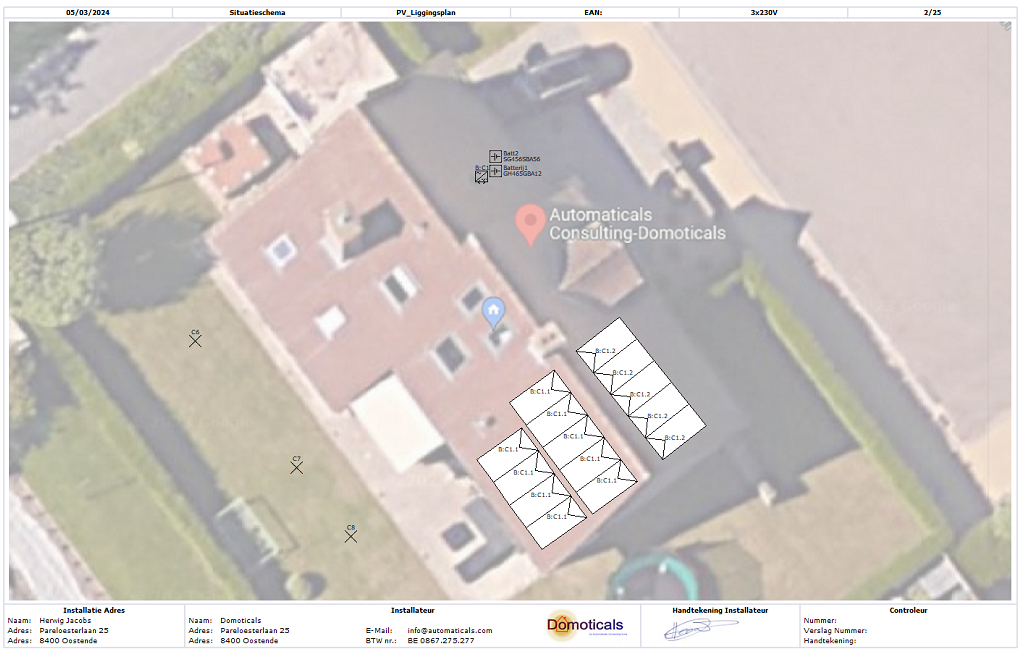
Diagrams for PV installation. With Schematicals, you can quickly assemble your PV installation (inverter, solar panels, and batteries) and the one-wire diagram for this will also be automatically created. But there's more, it also allows you to quickly create a clear and very overview diagram of the solar panels.
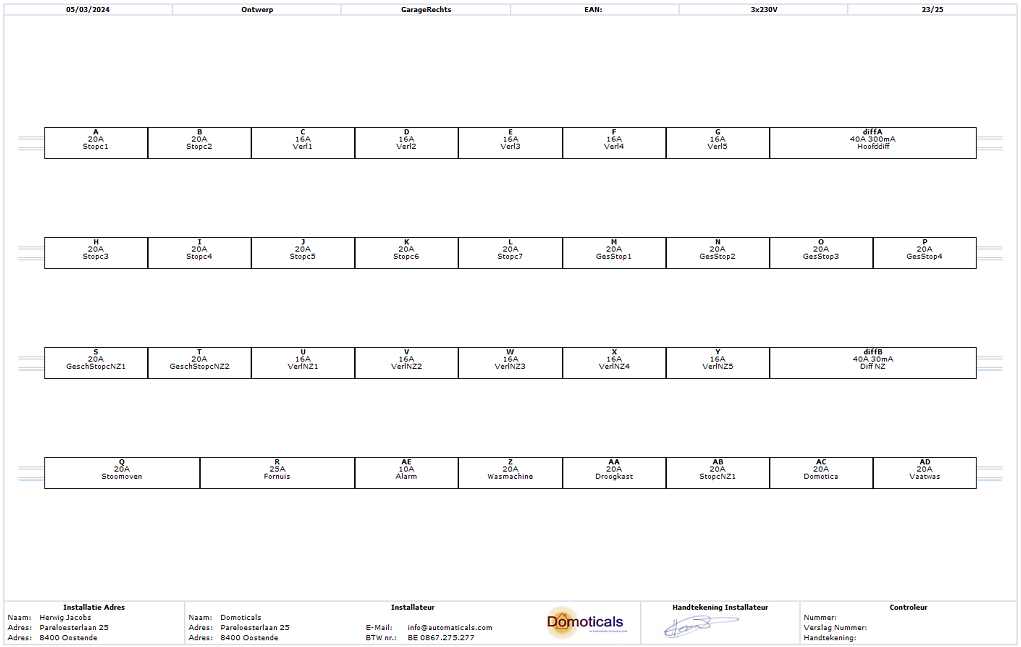
Design your panel. Do you want to create a design for your distribution panel? This can be done very quickly and easily with Schematicals, and based on your design, you can also print labels tailored to your fuse box, simply on paper (or sticker) or in Excel format, ideal for use with a label printer.
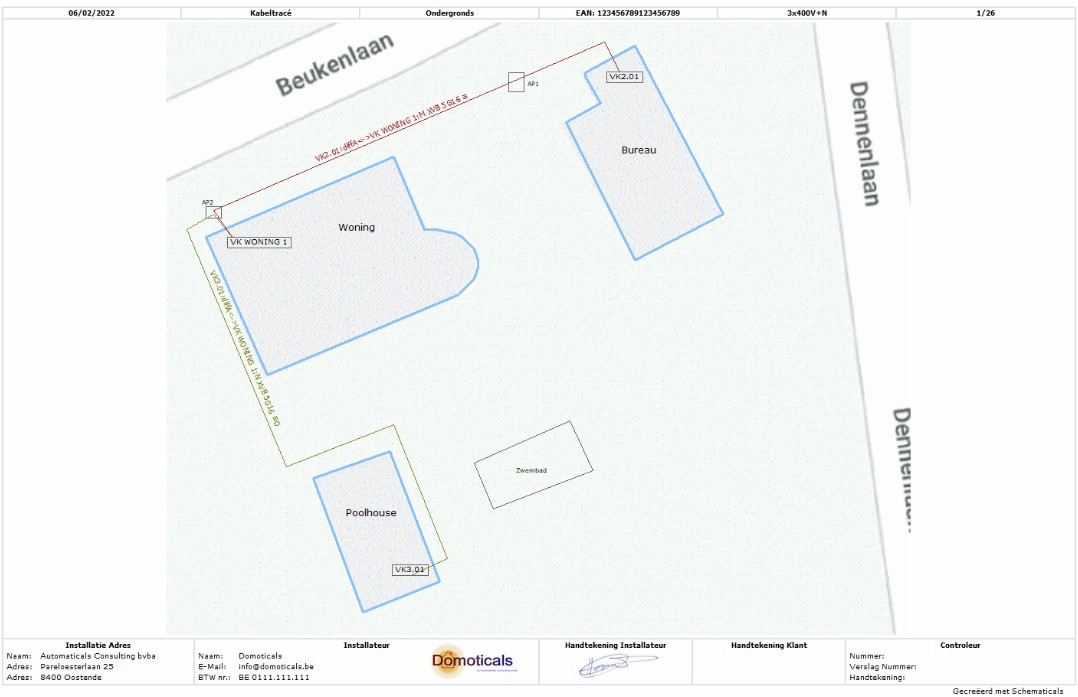
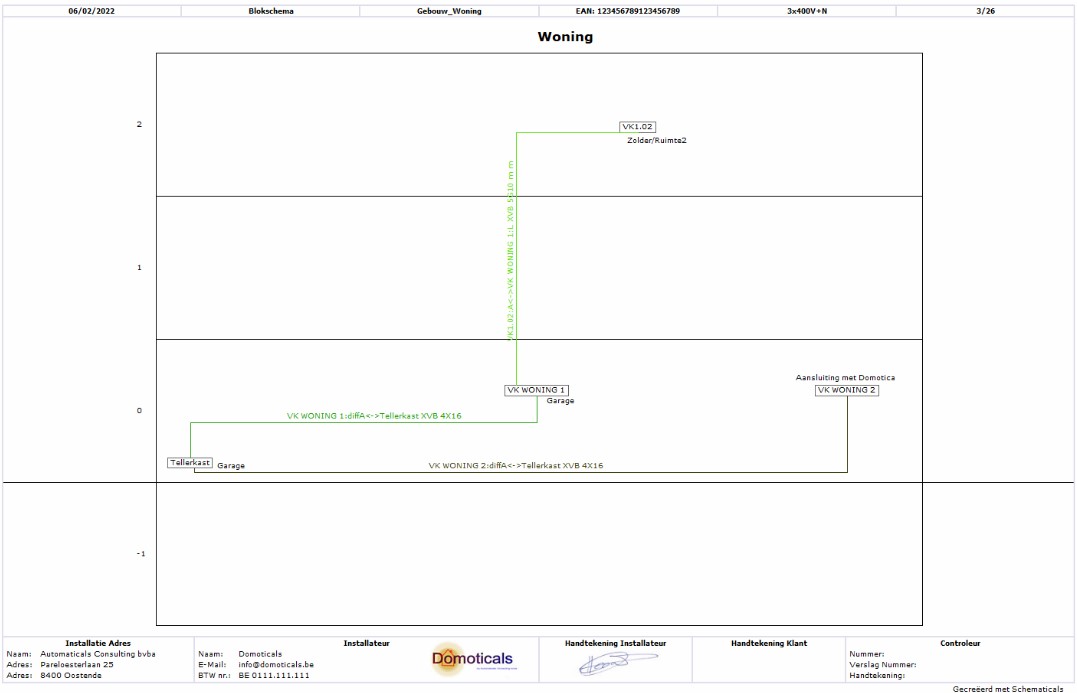
And much more. Such as creating a cable route, block diagram, list of circuits, table with external influence factors,...
Schematicals is more than just an electrical drawing program to generate electrical diagrams according to the AREI (Belgian law). Due to the functionality of the software package, it is also an ideal tool to work out and assemble your electrical installation, possibly in consultation with the customer. This is not limited to Belgian legislation, but is also applicable in other countries, because while the legal setup of an electrical installation may differ from country to country, electricity remains electricity, regardless of the country.
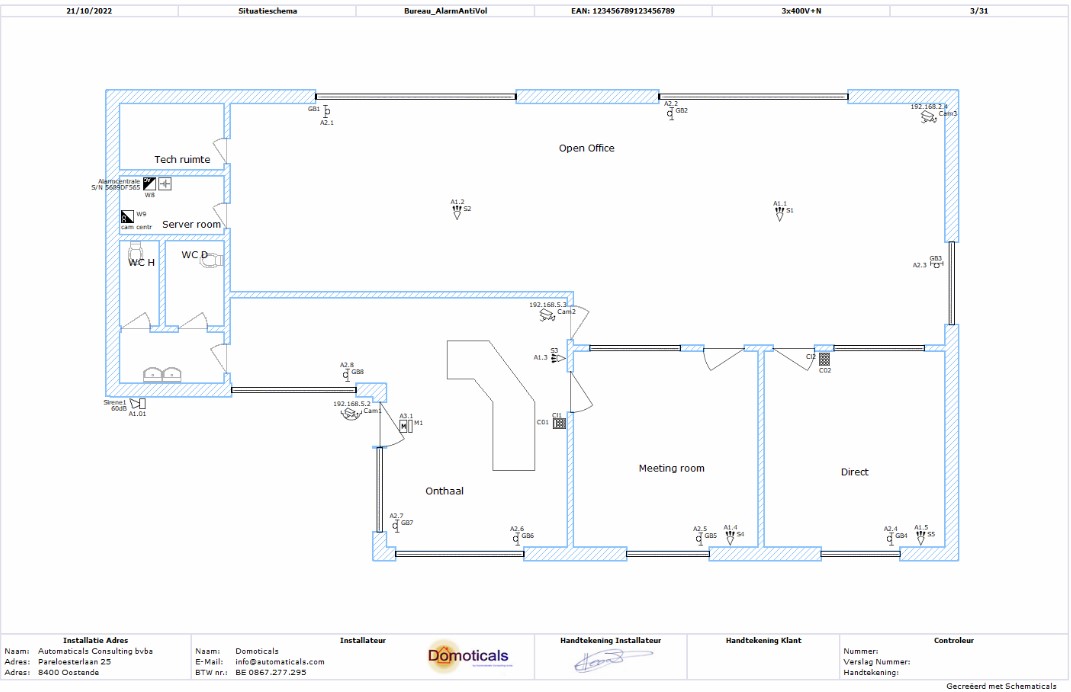
Place the lighting points, switches, sockets,... on the floor plan and assign them systematically to the power circuits afterwards. Is there a home automation system present? Then indicate which output or input is connected to which consumer or switching device, and the connection diagram of the home automation modules is automatically created.
Do you have questions? You can always contact us by phone, email or through the contact form on this website. You may also find the answer on our FAQ page.
Go to FAQ* The license key can be easily migrated to another PC or laptop by the user. However, it is not possible to start 2 different software packages on 2 different computers with the same key.