From version 1.027, you can add rail clamps everywhere in your installation, while this was very limited in previous versions.
Just like everywhere in Schematicals, the connections with these clamps are carefully kept track of so that the impact of any changes, wherever they are on the diagrams, that also affect the rail clamps, are "calculated" everywhere in the diagrams so that the diagrams and tables are up-to-date everywhere


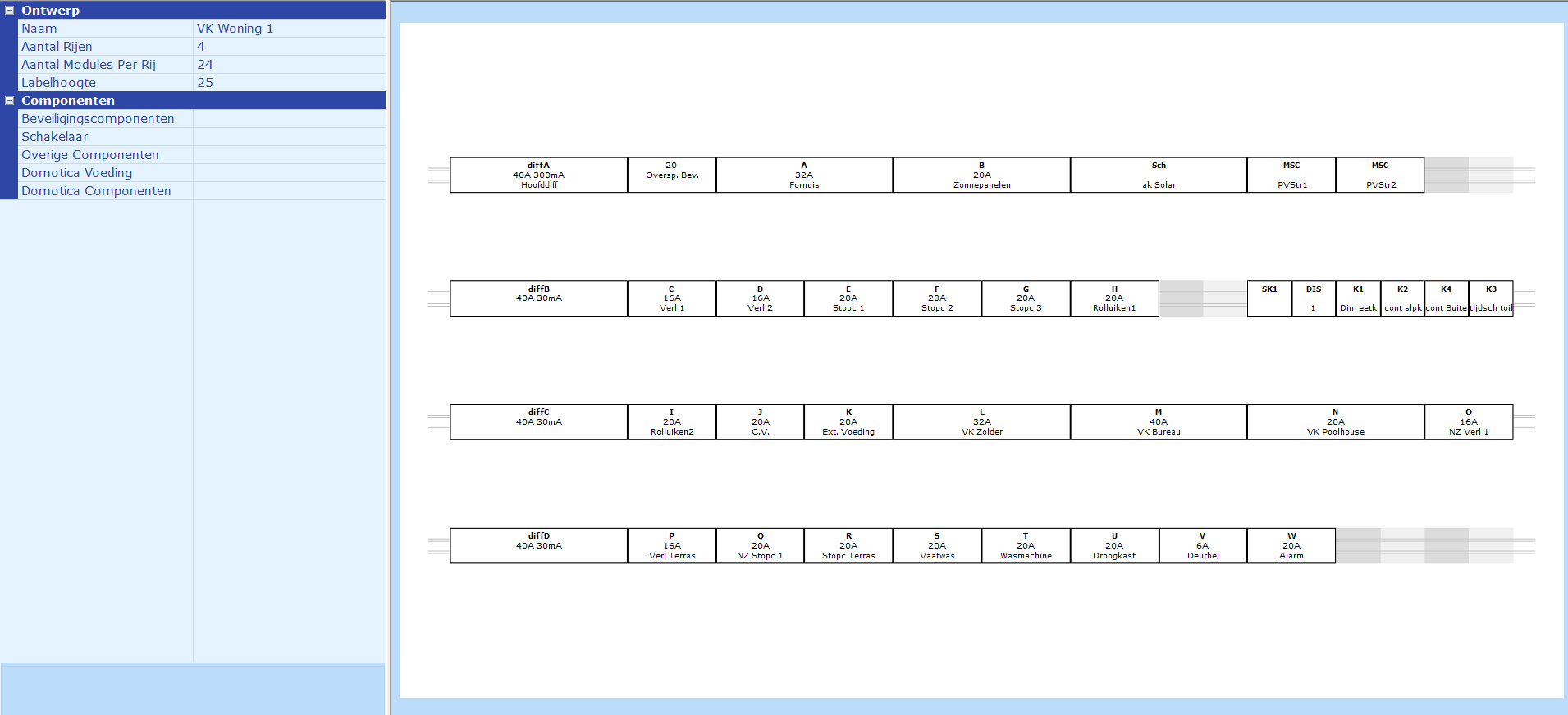
From version 1.022, it is possible in Schematicals to assemble a fuse box of distribution cabinet based on your schematically composed fuse box and print the labels for it. The labels can be printed via the standard physical printer in a format of your choice and also written to an Excel file to be used later with a label printer
Watch a video with a quick introduction to the new features in version 1.022
Watch on youtube